Build VEX IQ robots in your browser
Assemble VEX IQ robots with part snapping, open compatible SnapCAD and LDCad models, and create step-by-step building instructions.
Open editor Example models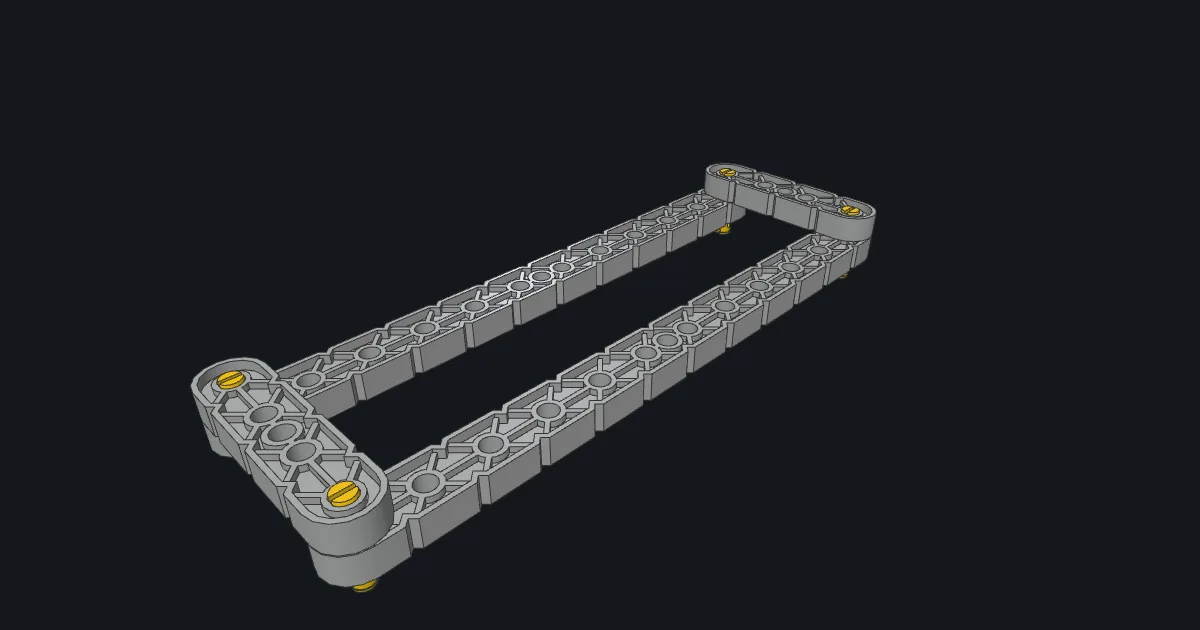
Start with a chassis
Open the starter chassis to see how connector pins join the side beams and crossmembers. You can also start with an empty model and find parts by name or number.
Continue an existing model
Open compatible .ldr and .mpd files. Import a STEP part into your local library to use it in an assembly. Model editing and autosave run in your browser.
Turn the assembly into instructions
Split a model into building steps, check each part and its orientation, then export building instructions for teammates or a class.